


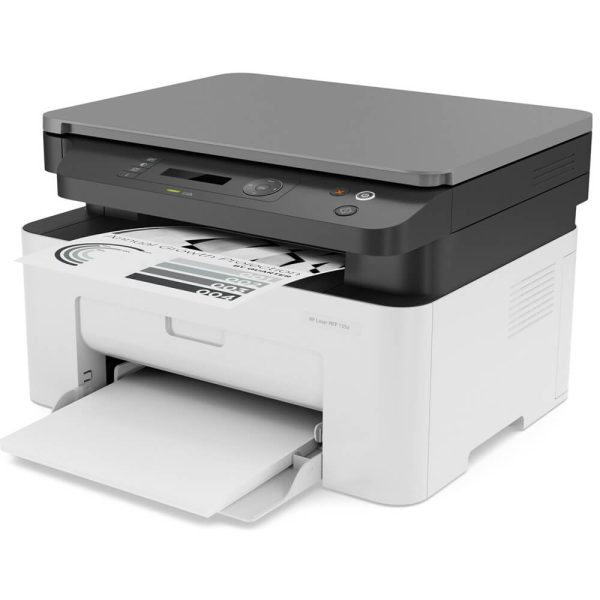


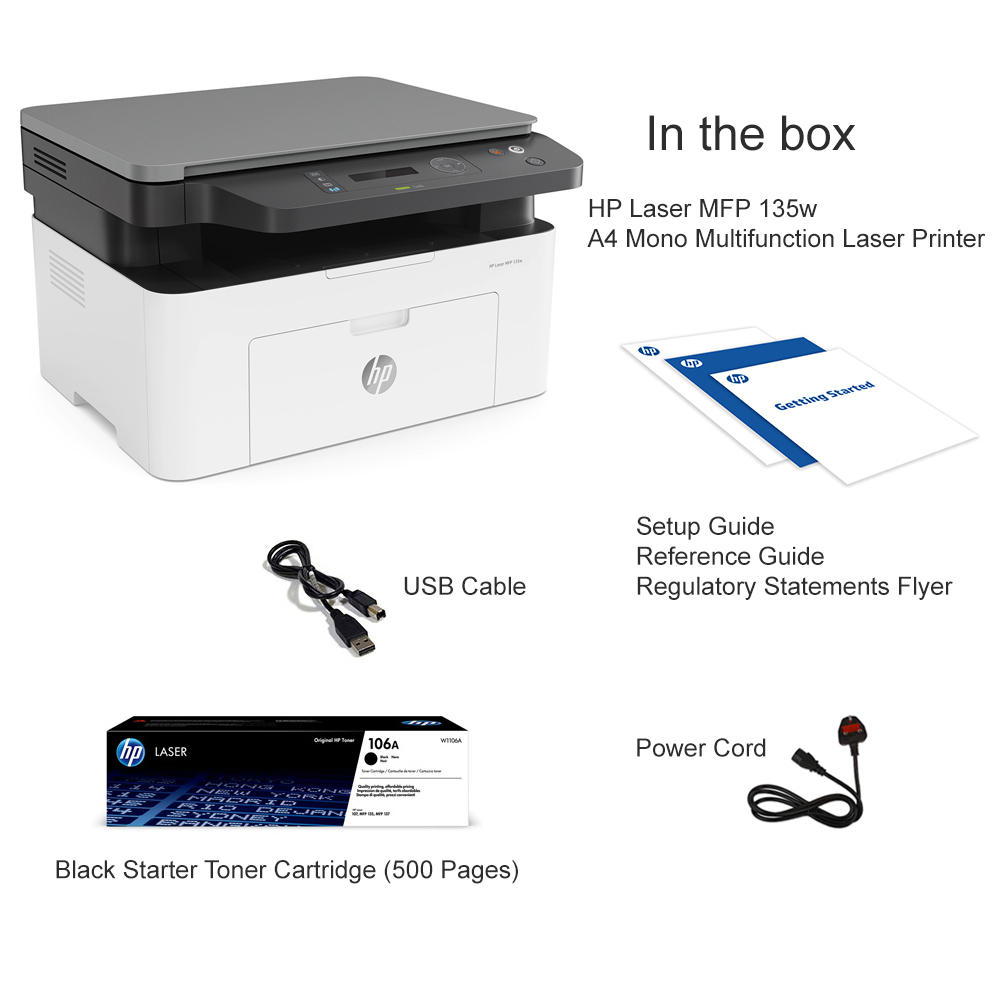


Product Features
- Wireless connectivity with built-in Wi-Fi Direct
- Print, Scan, and Copy functionality in one compact unit
- High-quality monochrome laser printing
- HP Smart App support for mobile printing
- Quick setup using HP Laser MFP 135w driver and user manual
- Efficient and cost-effective toner usage
Product Description
Your Smart Office Companion – HP Laser MFP 135w Printer
The HP Laser MFP 135w printer is a compact wireless monochrome all-in-one designed for home offices, startups, and students. Equipped with Wi-Fi Direct, a fast processor, and mobile printing support, it offers seamless performance at an affordable price.
Why Choose HP Laser MFP 135w Printer?
- Wireless Freedom: Print directly from your smartphone or laptop without a router.
- HP Laser MFP 135w WiFi Setup is hassle-free via the HP Smart App or manual instructions.
- Excellent Value: Lower running cost with HP 106A toner.
- Productivity Boost: Fast print speeds and multifunctional performance.
Whether you’re managing personal tasks or printing business documents, this printer delivers crisp prints, reliable scanning, and smooth connectivity.
Technical Specifications
| Feature | Specification |
|---|---|
| Functions | Print, Copy, Scan |
| Printing Technology | Laser |
| Wireless Capability | Wi-Fi, Wi-Fi Direct |
| Connectivity | Hi-Speed USB 2.0, Wireless |
| Compatible OS | Windows 10/11, macOS, Linux |
| Print Speed | Up to 20 ppm (A4) |
| Print Resolution | Up to 1200 x 1200 dpi |
| Toner Cartridge | HP 106A Black Original Laser Toner |
| Toner Yield | ~1,000 pages |
| Scanner Type | Flatbed |
| Dimensions | 406 x 359.6 x 253 mm |
| Weight | 7.46 kg |
Ready to print smarter?
Buy the HP Laser MFP 135w printer now and enjoy wireless freedom, fast speeds, and high-quality prints. Limited stock available – shop today!
Frequently Asked Questions
How do I set up Wi-Fi on HP Laser MFP 135w?
Answer: Use the HP Smart App or follow the HP Laser MFP 135w manual to connect to Wi-Fi in a few simple steps.
Where can I find the HP Laser MFP 135w driver?
Answer: Download the latest driver from HP’s official support page.
What toner does HP Laser MFP 135w use?
Answer: It uses HP 106A Black Original Laser Toner, with approximately 1,000-page yield.
Is this printer good for home and small business use?
Answer: Absolutely. Its compact size, wireless features, and multifunctionality make it perfect for both home and office environments.






Reviews
There are no reviews yet.